A single Starlink dish can support roughly 8–16 security cameras on a Standard plan — or 30+ on Business — when you stream bandwidth-efficient sub-streams to the cloud, versus only about 3 at full resolution, because Starlink's upload speed is the limiting factor, not its much higher download. Remote sites with no broadband can now run cloud-connected, AI-powered CCTV over Starlink. The Tentovision Cloud Adapter uploads only the sub-stream while recording full-resolution footage locally on an onboard SSD — efficient cloud backup and full-quality local recording at once.
Until recently, a remote site with no fibre had two bad options: no internet at all (a local NVR with no remote access or cloud), or traditional VSAT satellite — expensive, slow, and too laggy for video. Starlink changes both the economics and the engineering.
The practical effect: a farm with zero remote visibility can run about 8 cloud-connected cameras for under $200/month all-in — Starlink plus a Tentovision subscription — backed up offsite and viewable from a phone. That could not be done over VSAT, and not at all without satellite.
The honest answer depends almost entirely on upload bandwidth and the bitrate per camera — not Starlink's headline download speed. Cameras push video out, so upload is the constraint. A 720p sub-stream is ~0.5–1 Mbps; a 1080p sub-stream ~1–2 Mbps; 4K ~2–4 Mbps.
| Starlink plan | Upload (approx) | 720p sub-stream (~1 Mbps) | 1080p sub-stream (~1.5 Mbps) | 4K sub-stream (~3 Mbps) |
|---|---|---|---|---|
| Starlink Mini | 5–10 Mbps | 4–8 cameras | 3–5 cameras | 1–2 cameras |
| Starlink Standard | 10–25 Mbps | 8–16 cameras | 6–11 cameras | 3–6 cameras |
| Starlink Business | 20–40 Mbps | 16–32 cameras | 12–24 cameras | 6–12 cameras |
This is where the Tentovision Cloud Adapter earns its place: it sends only the sub-stream to the cloud while the full-resolution main stream records locally on the adapter's SSD. You get bandwidth-efficient cloud backup and full-quality local recording — so the counts above reflect what you can actually run. Footage is AES-256 encrypted and stored in Microsoft Azure cloud — set retention in CCTV cloud storage.
The right plan depends on camera count and how critical uptime is. (Verify current plans, data allowances, and prices on Starlink.com — they change often.)
Portable, with the lowest upload of the three. Good for temporary construction sites, single-camera farm monitoring, or a quickly deployed checkpoint.
The most common choice for permanent remote sites — farms, small factories, rural branches. Ample upload for sub-stream cloud recording; Residential data can be deprioritised in congestion.
Priority data, higher upload, public IP, and uptime SLAs in some regions. Recommended for mining sites, large construction, and security-critical multi-building facilities.
Tentovision is engineered for low, variable upload links — which is exactly what makes it suited to Starlink where a generic cloud VMS struggles. Four design choices matter.
The Cloud Adapter takes the camera's sub-stream (720p, ~1 Mbps) for cloud upload while the main stream (4K, ~8 Mbps) records locally on the adapter's SSD. Bandwidth stays low; full quality is preserved on site.
WebRTC works well with Starlink's 25–50ms latency for near-real-time live view. Older RTMP-based systems degrade badly above ~100ms; WebRTC tolerates the variability a satellite link introduces.
Starlink can briefly drop in weather, handoff, or obstruction. The onboard SSD (64GB Lite to 1TB Max) records locally during outages and auto-uploads buffered footage to the Microsoft Azure cloud on reconnect. Zero footage loss.
Starlink uses Carrier-Grade NAT (CGNAT), which blocks inbound connections — so port-forwarding NVR remote access is impossible on Starlink. Tentovision uses outbound-only connections, so CGNAT is irrelevant and no inbound ports are exposed.
Each of these is a site type that historically had no good surveillance option — and now does.
Perimeter monitoring, crop-theft prevention, livestock safety across unwired land.
Wildlife detection →PPE compliance, vehicle tracking, and safety-zone enforcement far from any town.
PPE detection →Safety compliance, theft prevention, and progress monitoring from day one of a build.
PPE detection →Anti-poaching, wildlife monitoring, and early fire detection where nothing else reaches.
Fire detection →ANPR, vehicle counting, and incident detection on remote stretches of road.
ANPR →Perimeter security, equipment-theft prevention, and fire detection across large arrays.
Fire detection →Safety monitoring, restricted-zone enforcement, and environmental compliance at isolated sites.
Cloud VMS →ATM surveillance, branch security, and cash-in-transit monitoring where fibre never arrived.
Face recognition →Inventory monitoring and unauthorised-access detection at off-grid storage yards.
Multi-site →For decades, geostationary VSAT was the only satellite option — and a poor one for video. Starlink's low-Earth-orbit network changes every relevant number.
| Traditional VSAT | Starlink Standard | Starlink Business | |
|---|---|---|---|
| Monthly cost | $500–1,000 | $50–99 | $120–250 |
| Download speed | 2–10 Mbps | 100–200 Mbps | 150–250 Mbps |
| Upload speed | 1–3 Mbps | 10–25 Mbps | 20–40 Mbps |
| Latency | 600–800ms | 25–50ms | 25–50ms |
| Cameras supported | 1–2 (barely) | 8–16 | 16–32+ |
| Live viewing | Unusable (lag) | Smooth (WebRTC) | Smooth (WebRTC) |
| Hardware cost | $3,000–10,000 | $349–599 | ~$2,500 |
| Contract | 1–3 year lock-in | Month-to-month | Month-to-month |
Starlink delivers roughly 10–50× better performance at 5–10× lower cost than legacy VSAT, with no multi-year lock-in — the latency alone is the difference between usable live video and a feed too laggy to act on. (Verify current Starlink figures on Starlink.com; VSAT varies widely by provider.)
A typical remote-site deployment takes well under an hour once the dish is mounted — no RTSP URLs or port forwarding required.
Install the Starlink dish with a clear view of the sky — roof or pole mount, away from obstructions.
Connect the Starlink router to power and confirm the link is up.
Connect a network switch to the Starlink router's Ethernet port (use the Starlink Ethernet adapter if your kit needs one).
Connect all cameras to the same network switch.
Connect the Tentovision Cloud Adapter to the same switch and power it on.
Scan the QR code on the adapter with the Tentovision app to pair it; cameras auto-discover over ONVIF.
Set cloud recording to the sub-stream (720p recommended) to optimise Starlink bandwidth; the main stream keeps recording locally to the SSD.
Test offline buffering — briefly disconnect Starlink, confirm local recording, reconnect, and confirm buffered footage auto-uploads.
Many analytics run well on sub-stream quality, and processing happens in the cloud — no GPU hardware at the site. Just cameras, a Cloud Adapter, and Starlink.
Helmet, vest, and mask compliance on construction and mining sites.
Best for remote sitesIntrusion and anti-poaching alerts for farms and forests.
Best for remote sitesToll plazas, gated sites, and remote access roads.
Best for remote sitesEarly visual detection at solar farms and forest checkpoints.
Best for remote sitesFootfall at rural retail and clinics.
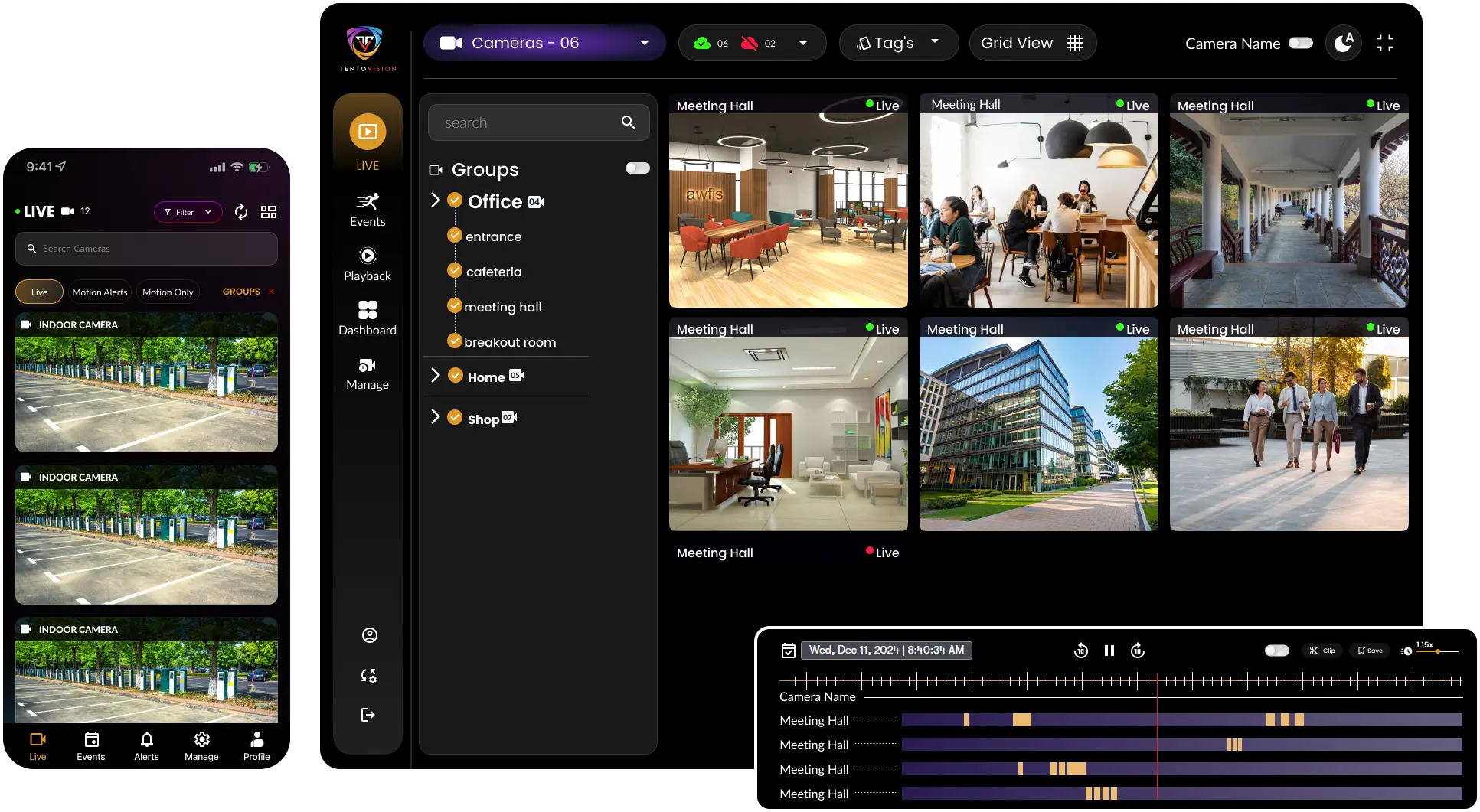
Manage every remote Starlink site from one dashboard.
Works with any camera brand — Hikvision, Dahua, Axis, CP Plus, Uniview, Vivotek, Sparsh, HiFocus, and 100+ more — over Starlink. No camera-model lists, no RTSP setup: if it streams over your network, Tentovision can take it to the cloud via Starlink.
No broadband needed. No VSAT contract. Just Starlink plus a Tentovision Cloud Adapter — cloud-connected, AI-powered surveillance at almost any location on Earth, with sub-stream efficiency, offline buffering, and remote access that works straight through Starlink's CGNAT. Tell us your site type and camera count, and we'll size the right Cloud Adapter and Starlink plan, typically within 1 business day.
Hikvision, Dahua, Axis, CP Plus, Uniview, Vivotek, Sparsh, HiFocus, and 100+ ONVIF brands. No model lists, no RTSP setup required.
Sub-stream cloud upload + full-resolution local SSD recording. 8-16 cameras on Standard, 16-32+ on Business.
Outbound-only connections work straight through Starlink CGNAT. AES-256 encrypted, Microsoft Azure-hosted, DPDP Act 2023 compliant.
All onboarding, deployment, and support handled by our India team — including for global remote-site deployments.
Fill the form — our team responds within 1 business day.